
Chat with your documents.
Entirely on your iPhone.
WhattaRAG answers questions across your own documents — a PDF, a Markdown or text file, an article you paste a link to, or text you type in — with the AI running entirely on the device. No accounts, no tracking, no cost per answer. Your documents never leave your phone.
100% native Swift · under 5 MB · English and Spanish · works offline once a document is in.
New in 1.8.0
Three more ways to get things in, and the whole app in a second language.
PDFs
Import a PDF from Files and ask about it. The text is pulled out on your iPhone — the file itself is never uploaded anywhere.
Articles by link
Paste a URL and WhattaRAG fetches that page once, reads it, and keeps the text as a document. That fetch is the app's only outbound request, and it happens only when you ask for it.
Español
The app is fully localized in Spanish — every screen, label and error, not only the main flows. Switch language in Settings.
What WhattaRAG is
Add your own documents, then ask questions in plain language. WhattaRAG finds the relevant passages and generates an answer grounded in what you gave it — all on the device, so nothing you add is ever uploaded.
Ask across your own documents
Add a PDF, a Markdown or text file, an article by link, or text you paste in — then ask questions in natural language. Answers are grounded in what you added, not the open internet.
Private by architecture
There's no server behind WhattaRAG. Your documents, questions and answers stay on the phone — testable by putting it in airplane mode and watching it keep working.
Tiny and native
100% native Swift, under 5 MB — no bundled model, no JavaScript runtime, no Electron shell. The heavy lifting rides on Apple's own on-device frameworks.
No accounts, no cost per answer
No sign-up, no subscription for the AI, no per-question bill. The model runs on your device, so there's no cloud meter running.
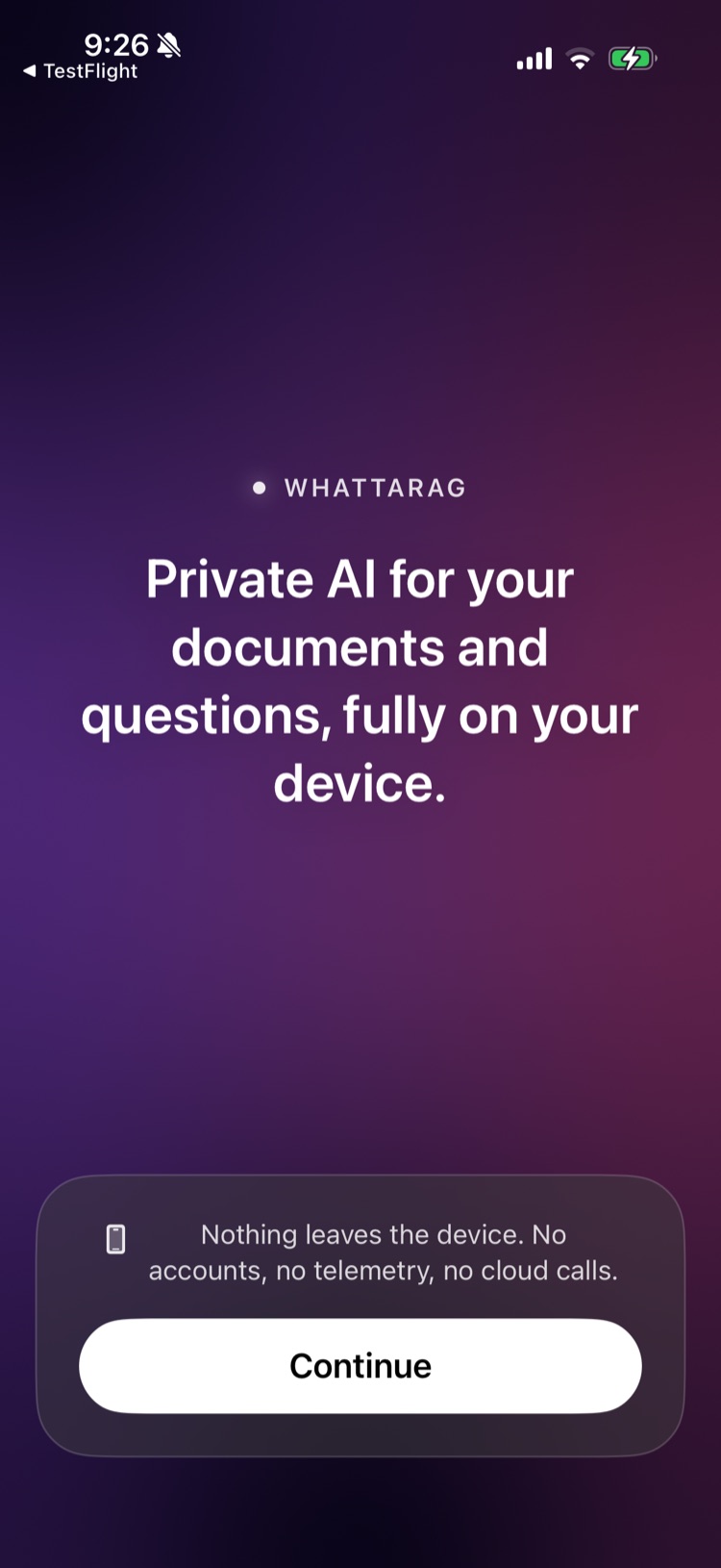
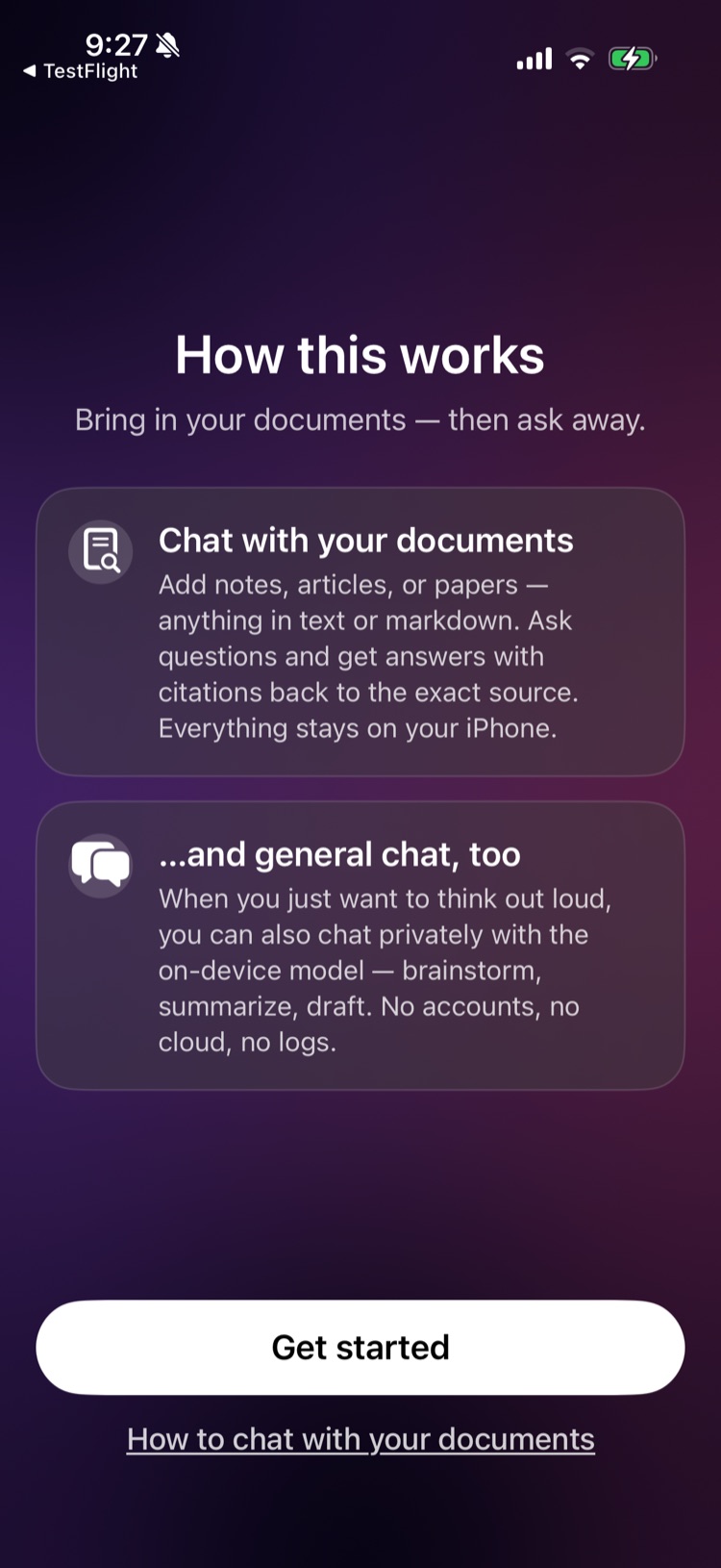
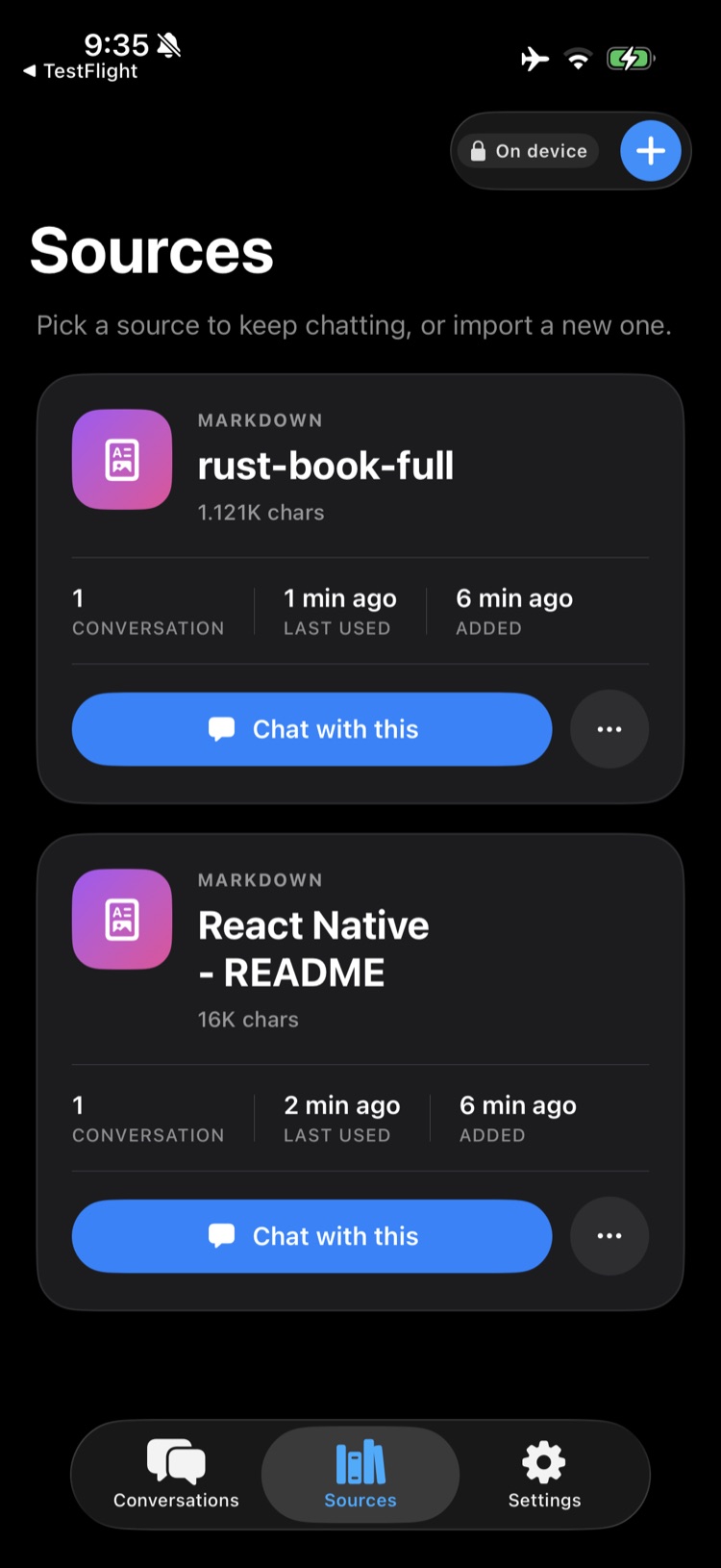
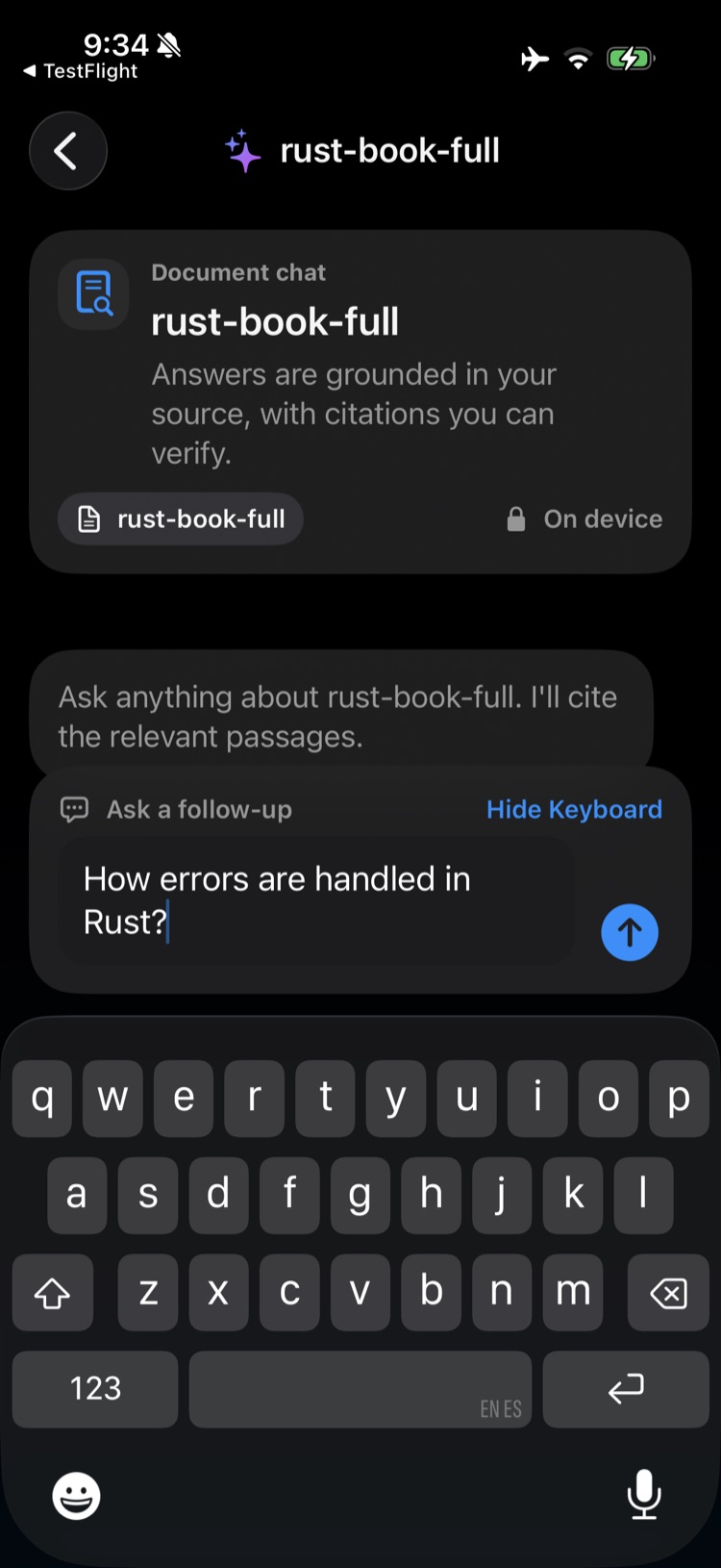
A quick look
A few screens from WhattaRAG.
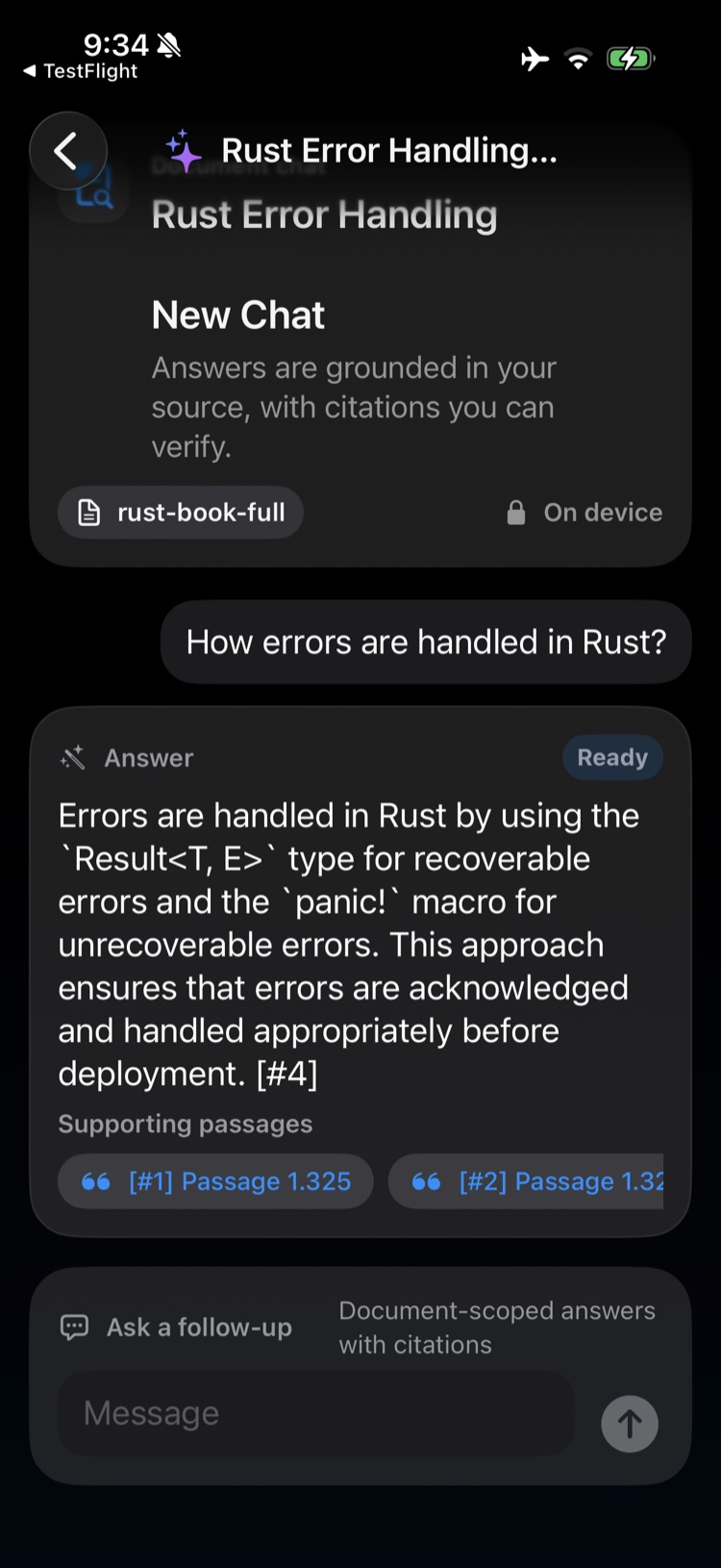
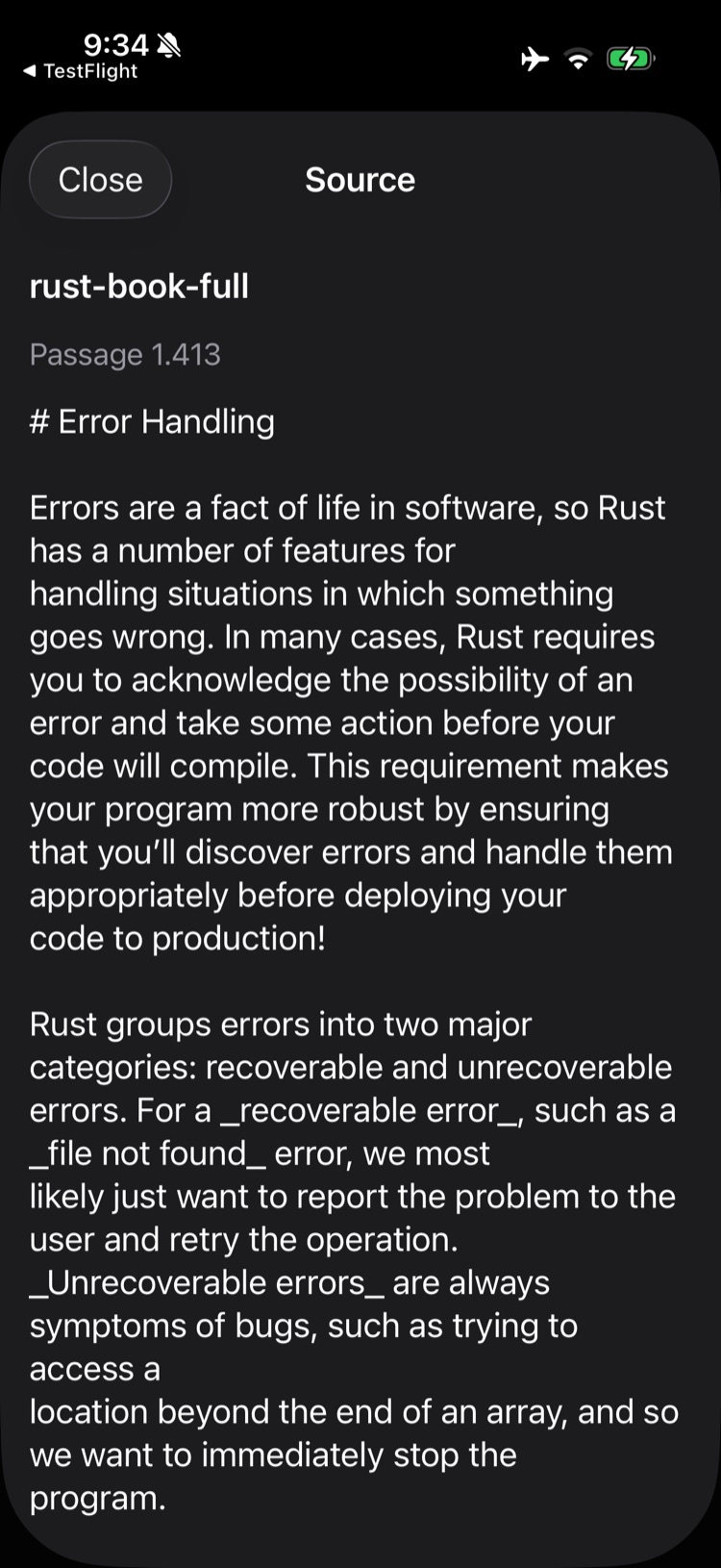
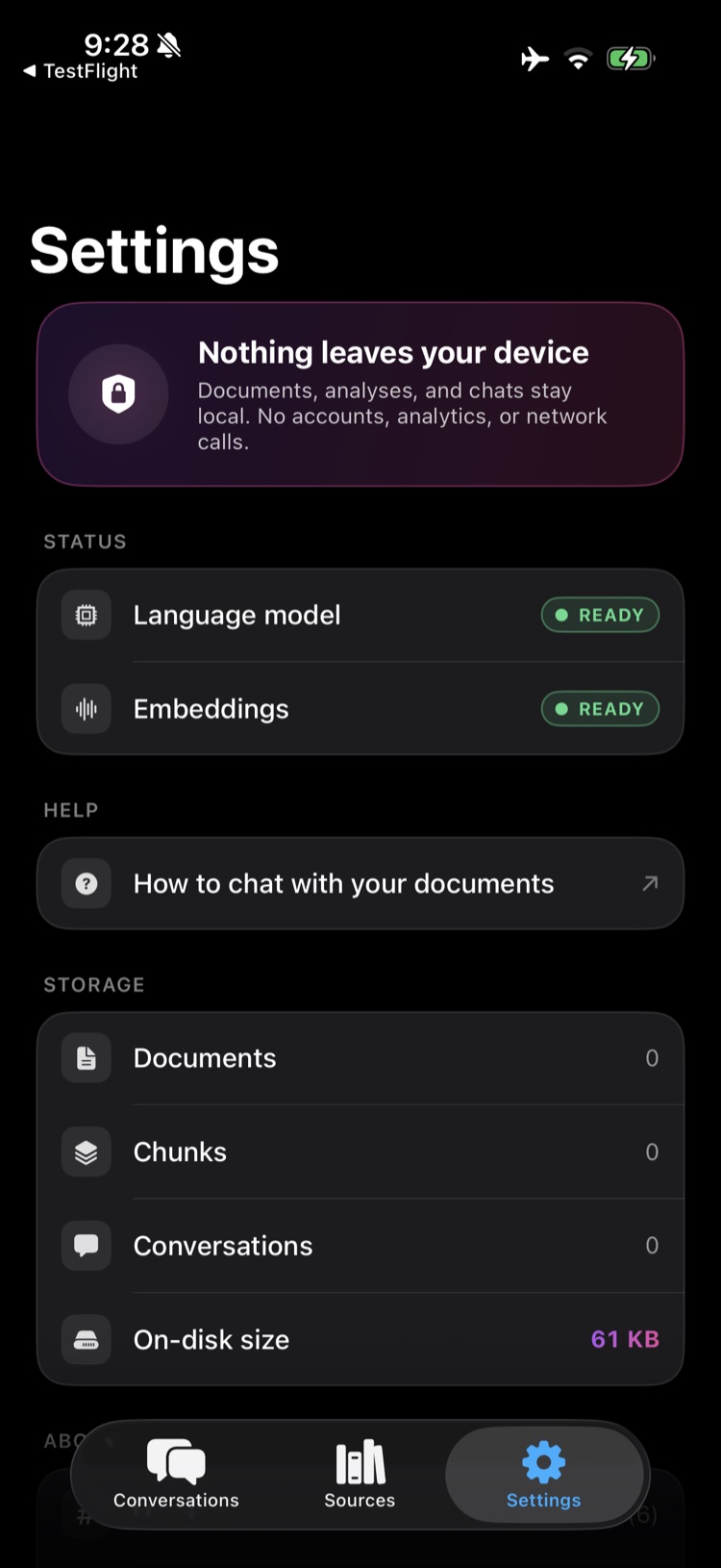
How it works
Three steps. Only one of them can touch the network, and only if you choose it.
See it in action
A short walkthrough: add a document, ask a question, and get an answer grounded in it — all on the device.
This is real time — that's me typing slowly, and the on-device AI responding blazingly fast. No network round-trip, no waiting.
Why it runs on-device
The whole app runs on Apple's on-device AI stack. Your documents, your questions and the answers never go anywhere. That single design choice is what makes it private, fast, and free to use.
- Private by architecture — there's no server to send your documents to, so they can't be logged, leaked, or subpoenaed from a third party. Put the phone in airplane mode and it keeps answering.
- One request, and only if you ask — adding an article by link fetches that page, exactly as a browser would. Nothing else in the app talks to the network, and no other way of adding a document needs a connection at all.
- Near-instant answers — no cloud round-trip on every question, so responses stay fast and consistent on any connection, even none.
- No running cost — the model runs on your device, so there's no per-question bill and no subscription for the AI.
- Tiny and native — 100% native Swift, under 5 MB, with the heavy lifting on Apple's own frameworks rather than a bundled model.
Want something like this in your app?
WhattaRAG shows what on-device AI can do on Apple's stack. The same approach — embeddings, retrieval, and generation running entirely on the device — can be built into your own app, tailored to your product and your data.
AltoCode designs and builds that work for iOS teams from scratch: cut the cloud-API cost on an AI feature you already ship, or create a private, on-device one — each engagement custom to what your app needs.
Chat with your documents — privately.
On-device document Q&A for iPhone, in English and Spanish. No servers, no accounts, no cost per answer.